
In-App Agent
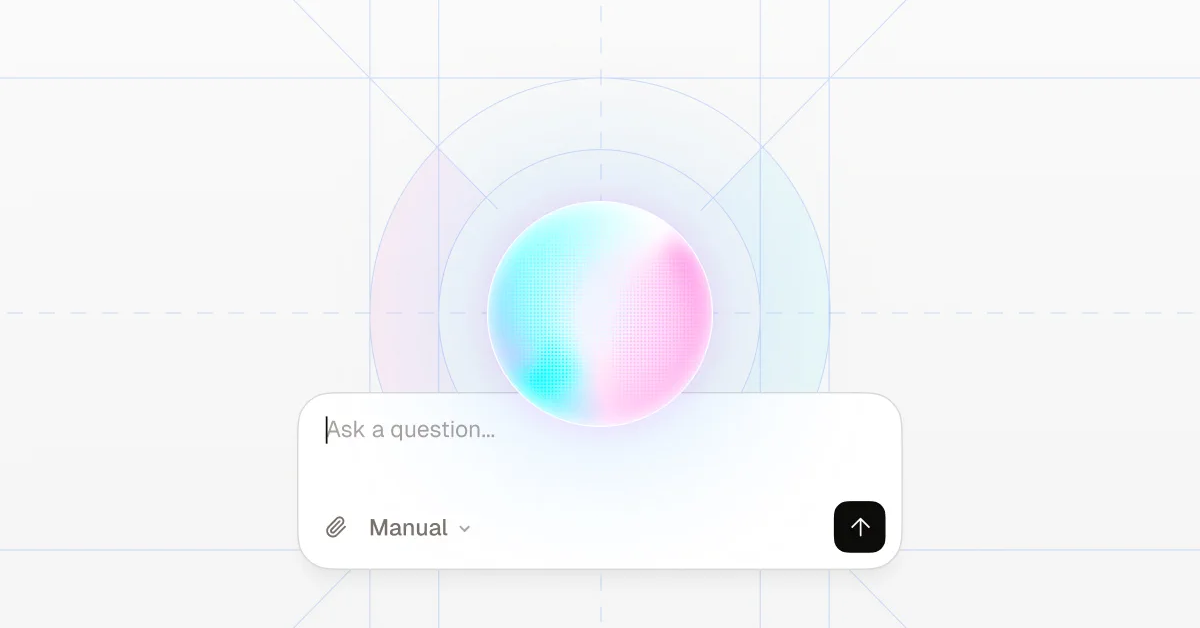
An agent built into Attlas. Ask in plain language, "how many leads this month?", "create 3 triggers from my menu", "add my site to my knowledge base", "draft a report for last month". It reads what you can already see, and every change is a preview you approve before it applies.
MCP Integration (31 tools)
Integrate Attlas into your developer environment across two MCP endpoints:
-
Workspace MCP (29 tools): Automate and manage your entire workspace, including document ingestion, trigger generation, tone and appearance settings, live chat previews, and analytics reports.
-
Chat MCP (2 tools): Instantly search and ask questions against any public knowledge base without an API key.
💡 Suggested questions
Keep the conversation going with suggested questions.
Attlas can now suggest questions during AI Chat conversations.
Whenever a visitor starts an interaction, up to three related questions can appear as suggestions, giving them ideas for what to ask next.
This makes it easier for visitors to start new interactions, explore different topics, and continue discovering the company, creator, products, or content behind the Attlas.
📊 Refined analytics
A clearer and simpler way to understand your Attlas data.
We’ve redesigned and refined Attlas Analytics to make your data easier to understand and interpret.
The new experience simplifies the way metrics and charts are presented, making it easier to identify what is happening in your chat and focus on the information that matters most.
The goal is simple: less time figuring out the data, more time using it to understand your audience and improve your Attlas.
🎬 New triggers added
More ways to connect your Attlas with the content, platforms, and tools you already use.
We’ve added several new triggers to Attlas, expanding the possibilities for customization and interaction within the chat.
🎥 Mini VideoYou can now upload an MP4 video directly to your Attlas and display it in the chat.
It can be a welcome video, a quick introduction, an overview of your work, or any other video content that makes sense for the experience you want to create.
🎵 SoundCloudArtists can now add their music from SoundCloud directly to Attlas.
It’s another way to connect your music to the chat and let visitors discover and listen to your work without having to search for it elsewhere.
🎤 BandsintownWe’ve also added Bandsintown for artists who want to share their show schedules.
You can now connect your Bandsintown page to Attlas and display upcoming shows and dates directly in the chat.
Read more about the Bandsintown integration in our documentation: Bandsintown Integration
💬 WhatsAppWhatsApp now has its own dedicated trigger.
You no longer need to create a link trigger and manually add your WhatsApp URL. Simply select the WhatsApp trigger and connect your contact directly to the chat.
📌 PinterestWe’ve also added a trigger for Pinterest galleries, allowing you to connect your visual content from Pinterest to Attlas and showcase your galleries within the experience.
📱 AppsAnd for users with their own app, there’s now a dedicated Apps trigger.
You can add links to your app on the App Store and Google Play and make them available directly through your Attlas.
With these new triggers, Attlas now offers even more possibilities for different types of users, from artists and creators to businesses, brands, and organizations that need to connect different parts of their experience in one place.
We’re continuously expanding Attlas triggers so the chat can adapt to the different ways our users create, share content, and connect with their audiences.
🎧 Audio conversations
Attlas can now talk through voice, too.
We’ve added support for audio interactions: visitors can send recorded questions directly through the chat and listen to Attlas’ responses.
A new way to make conversations more natural and accessible, especially for people who prefer speaking over typing or listening instead of reading responses.
🛍️ Shop & Product trigger
A new way to showcase and connect your products with Attlas.
You can now add a Shop to your Attlas, including direct product links, prices, and currencies. Products are displayed directly in the Shop tab of the chat.
The AI Chat also recognizes the products added to your store. When someone asks about a product, Attlas can present the relevant item and provide its link so they can learn more or make a purchase.
📅 Google Calendar integration
You can now schedule meetings directly through your Attlas chat, without leaving the conversation.
Visitors can check availability, choose a time, and schedule a meeting directly through the AI Chat. The event is automatically added to the connected Google Calendar.
After the meeting is scheduled, the person also receives the meeting details via email and WhatsApp, keeping everyone informed.
The integration allows scheduling to become part of the conversation itself — whether you're booking a demo, consultation, meeting, or any other type of appointment.
Want to learn more about how it works?
👉 Read more in our documentation: Google Calendar Integration
🗄️ SQL Database integration
Connect your SQL database directly to Attlas.
You can now connect an SQL database directly to your Attlas and make its data available as knowledge for your AI Chat.
Once connected, Attlas can access the information stored in your database and use it to answer questions directly in the chat.
This makes it possible to use structured data from your database as part of your Attlas knowledge, without having to manually transfer that information into the platform.
Your database becomes part of the knowledge your Attlas can use.
👉 Read more about our SQL Database integration in our documentation: SQL Database Integration
📈 Reports added
Attlas can now generate performance reports based on your chat activity and data.
Reports bring together information from conversations, highlighting positive aspects, potential areas for improvement, behavioral patterns, and topics that come up most frequently.
This makes it possible to identify things like:
-
Are people understanding what your business does?
-
Which topics generate the most questions?
-
What information does your audience look for most often?
-
Are there questions you didn't expect to receive?
With this information, it's easier to understand how your content and knowledge are reaching your audience and identify what could be adjusted in your Attlas.
More context to understand your data and make decisions based on your conversations.